Omnesis transcribes voice notes sent on WhatsApp and iMessage so that their content also contributes to the corpus of indexable content alongside the text that comes with it. Additionally, the user can directly dictate voice notes to Omnesis via their companion app or Apple Watch or query the agent using voice.
However, one of the frustrating things about voice transcription is that it can get a whole sentence right except for the one word that matters: a person’s name, an acronym, the name of a place, the name of a project. The words that fail accurate transcription are often important for retrieval. If I ask the Omnesis agent “remind me what John said about project Zorynth”, finding the relevant voice note from John through full-text search relies on matching the word “Zorynth”. If that word was badly transcribed, that route to finding the note can fail.
You can give a speech model a few hints
A model that transcribes voice to text has to work out which words best fit the sound it heard. When several spellings or phrases sound plausible, or when the words don’t exist in the dictionary, some context can help.
Many recognition systems have a way for the caller to provide that context. Whisper can take an initial text prompt; Apple’s speech recognition API accepts a list of contextual strings. The interfaces differ but the idea is similar: “these are some words the user might say”. This is imperfect and the recognizer may still get it wrong.
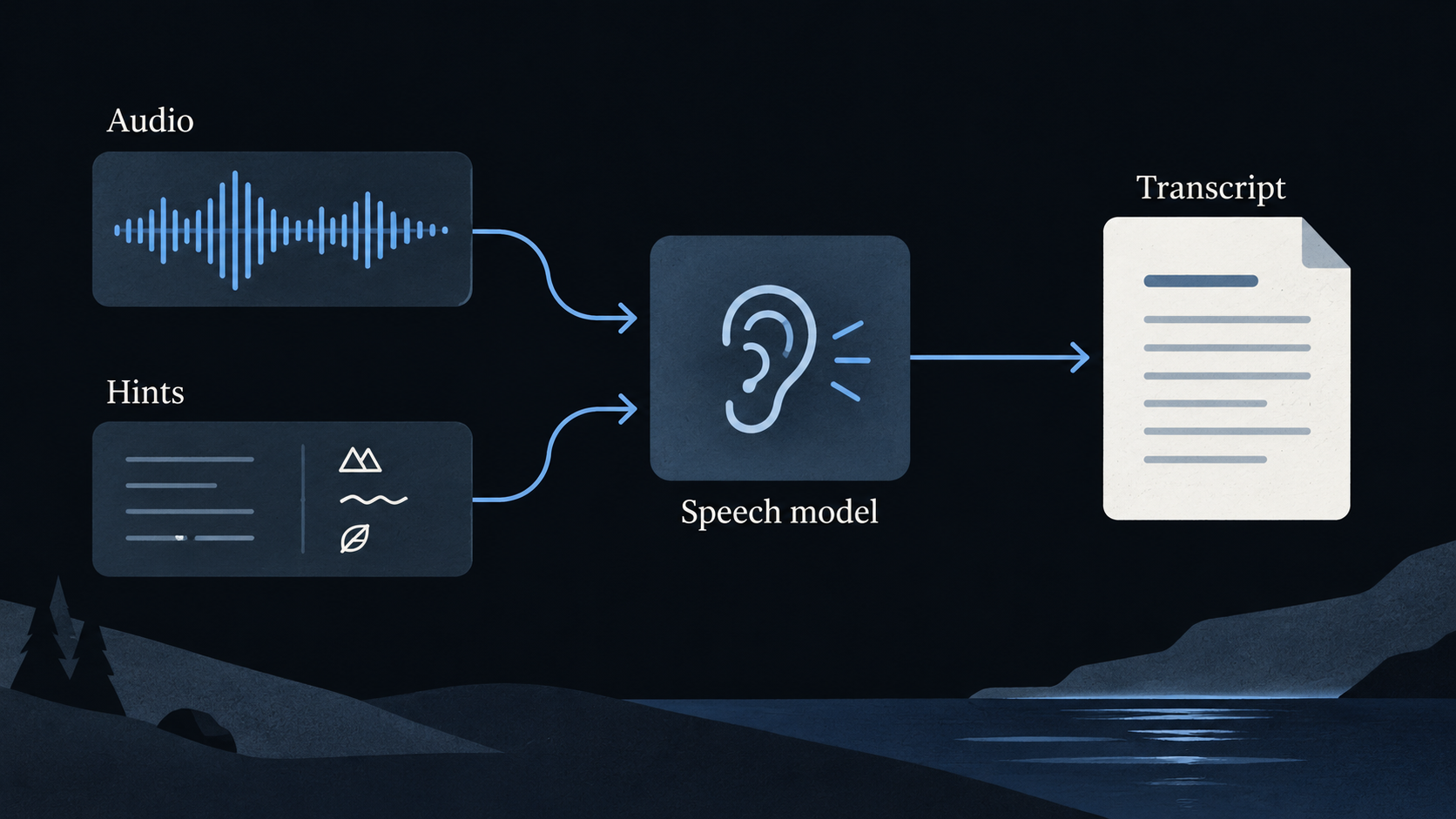
The interesting problem is deciding which words to put on that list. The model does not need to be reminded about every ordinary word I use and giving it thousands of unrelated names can be useless or even make things worse. Additionally, we might be limited in the amount of context we can include and therefore need to select words carefully.
It turns out that Omnesis being a context layer makes it quite useful. When Omnesis transcribes a voice note coming from my real estate agent (let’s call him Ryan) on WhatsApp, it can select words associated with Ryan in our WhatsApp conversation but also in our various email threads. When I send a voice note to Ryan, Omnesis can similarly weigh words associated with that conversation and my own written vocabulary more than words I use in different contexts.
How I went about building an in-context dictionary for voice transcription
So I ended up treating this as a selection problem where the goal — for a given voice transcription task — is to find a few words that are both 1) likely to benefit from a hint and 2) plausible in the recording. Being uncommon is a useful clue for the first part, rather than a prediction of what the model will get wrong.
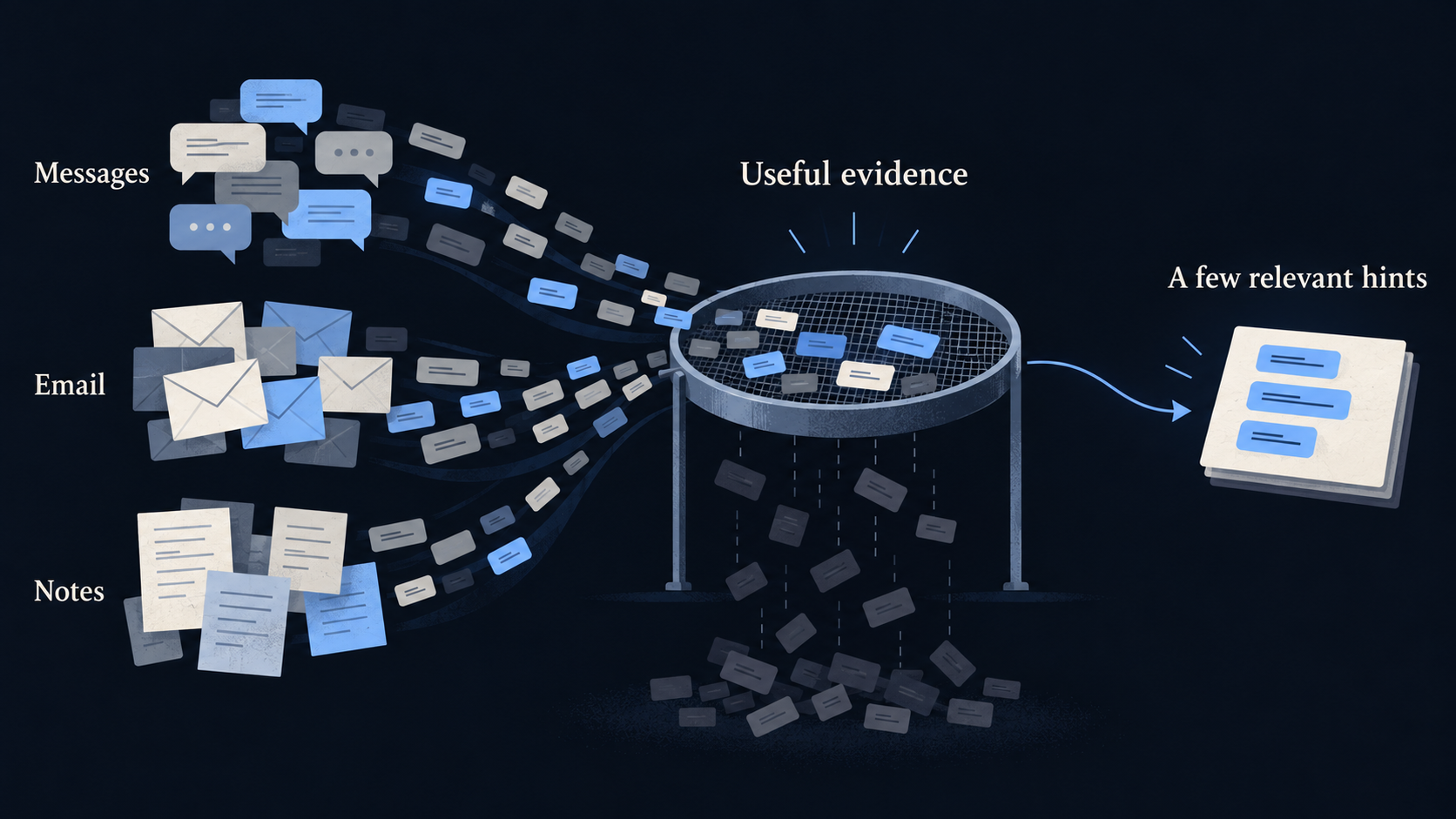
The first thing Omnesis does is find distinctive words and clean up the noise. Omnesis processes indexed text in the background and filters common words using multilingual frequency lists (5K common words from 7 languages, i.e. 35K entries total); they are derived from the public wordfreq 3.1.1 frequency lists. Omnesis also filters out tokens such as URLs and downweights possible typos: words that are a short edit distance from common words receive less weight, rather than being automatically excluded.
Additionally, we look for independent evidence; i.e. we aim to select a term that is found in two different documents: for example one email and one WhatsApp conversation. Note that for WhatsApp or iMessage a document is a day’s worth of communication for a particular conversation. This means a single name repeated 20 times in a single document does not qualify on that evidence alone. Trusted names from contacts or explicit configuration are handled separately.
Omnesis also pays attention to who wrote which term when deciding whether to select it or not. Terms coming from bulk emails and automated text get less influence while terms the source can establish were written by the user may get more weight. Omnesis excludes known transcription output from the vocabulary evidence so that recognition mistakes do not reinforce themselves.
The context of the recording matters. Indeed, a word that tends to come up a lot in the conversation where a voice note is being transcribed will weigh more than other terms that appear a lot but elsewhere in the corpus.
To acknowledge that one’s vocabulary changes, the current setting halves each self-authored written observation’s contribution after 90 days. This number was picked rather arbitrarily.
Bringing it to the phone and watch too
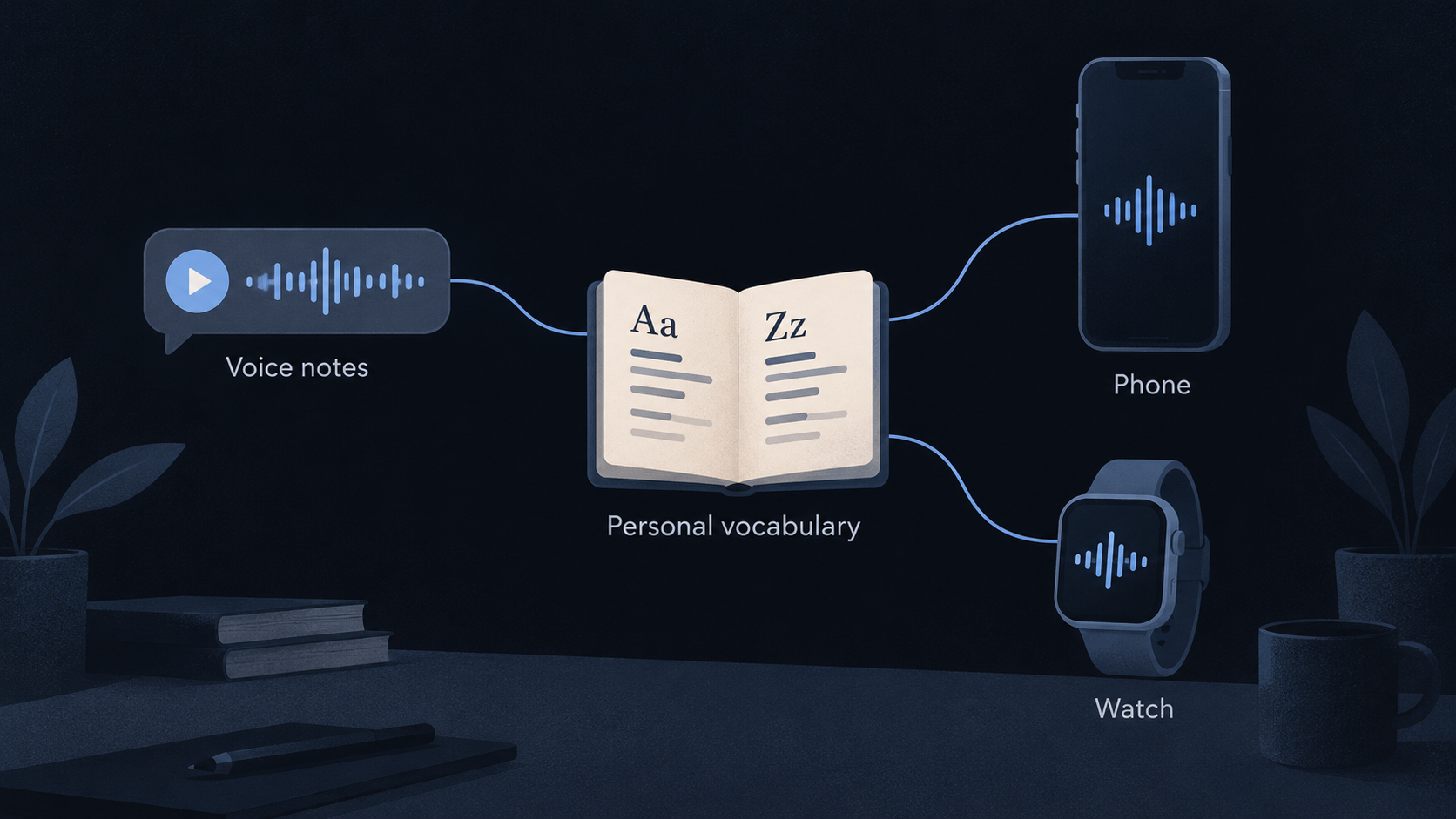
I took the opportunity to carry these improvements beyond transcription of voice notes arriving from sources. Voice notes that I make directly through the iOS app or via the Apple Watch complication also benefit from this when the audio is sent to and transcribed by the gateway’s supported local Whisper model. The iOS app’s own local dictation uses a cached vocabulary with Apple’s supported on-device recognition. The app fetches that vocabulary from the Omnesis gateway and refreshes it in the background. Unfortunately, there is no way to leverage that dictionary for cases where you interact with Omnesis via Siri.
Note that the new feature is off by default and needs to be enabled by setting
inference.transcriptionVocabulary.enabled to true in your
Omnesis configuration.
Does it work?
The small experiment we ran was encouraging: in a paired test of 28 recordings with Whisper Small, word error rate went from 22.44% without hints to 14.96% with hints. But that was one speaker and recordings used during development, not a broad, independent benchmark. It’s on my TODO list to build a proper benchmark to measure the wins more reliably but also continue improving the algorithm which was very much built on vibes.
Join the discussion
Comments and reactions are public and stored on GitHub. Sign in with GitHub to participate.
The comments widget connects to Giscus and GitHub when you load it. Privacy details.
You can also visit Blog comments on GitHub.